TikTok
How to import TikTok videos into Salvo
Follow these steps to send any TikTok video to Salvo so we can automatically extract every place mentioned and save them into organised lists.
- 1
Tap the share button on TikTok
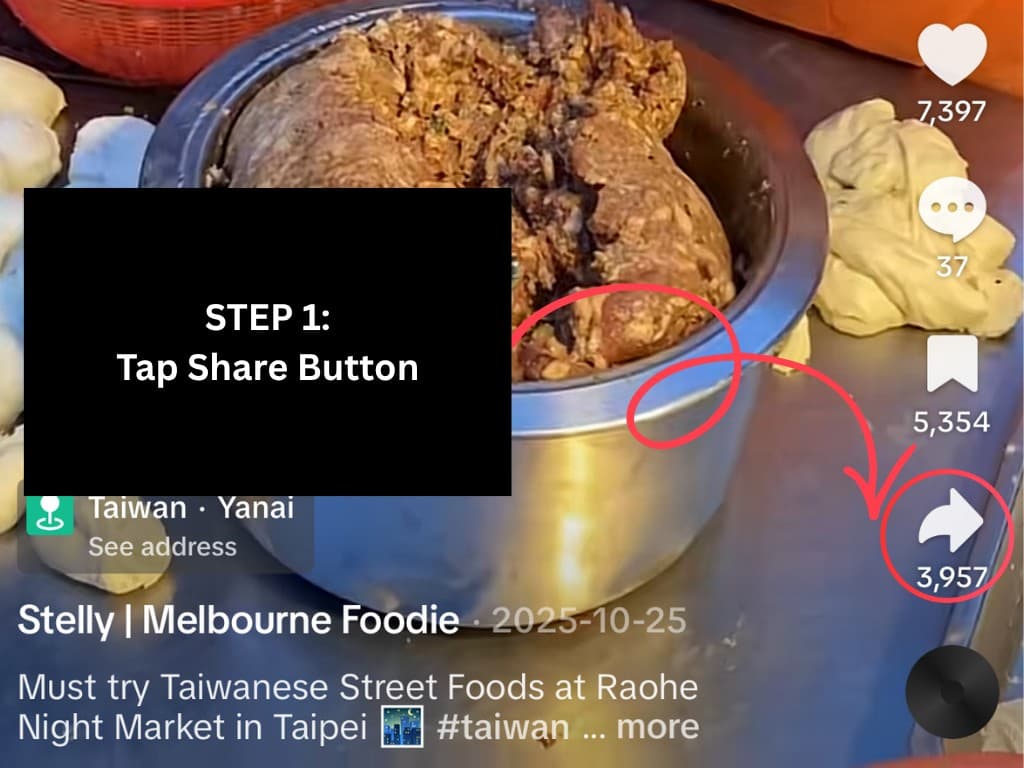
Open the TikTok video you want to save, then tap the share arrow on the right side.
- 2
Tap on More

In the share options, tap the More button to open the full iOS share sheet.
- 3
Tap on More again
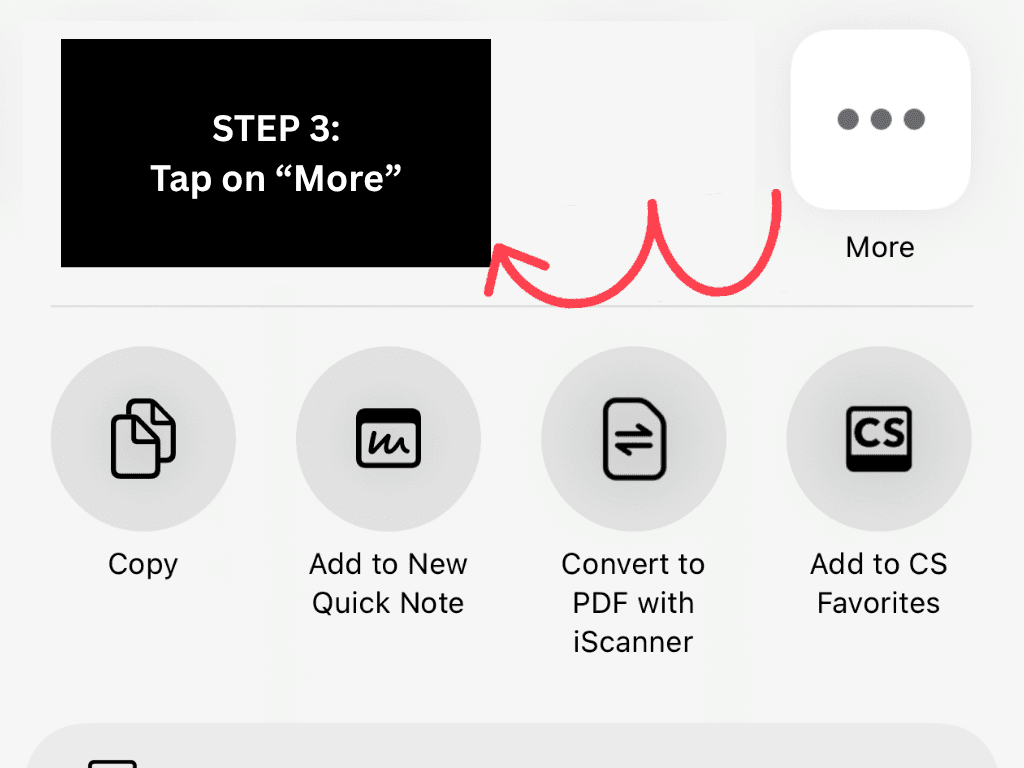
If needed, tap More in the next sheet to see the complete list of apps and actions.
- 4
Tap on Salvo
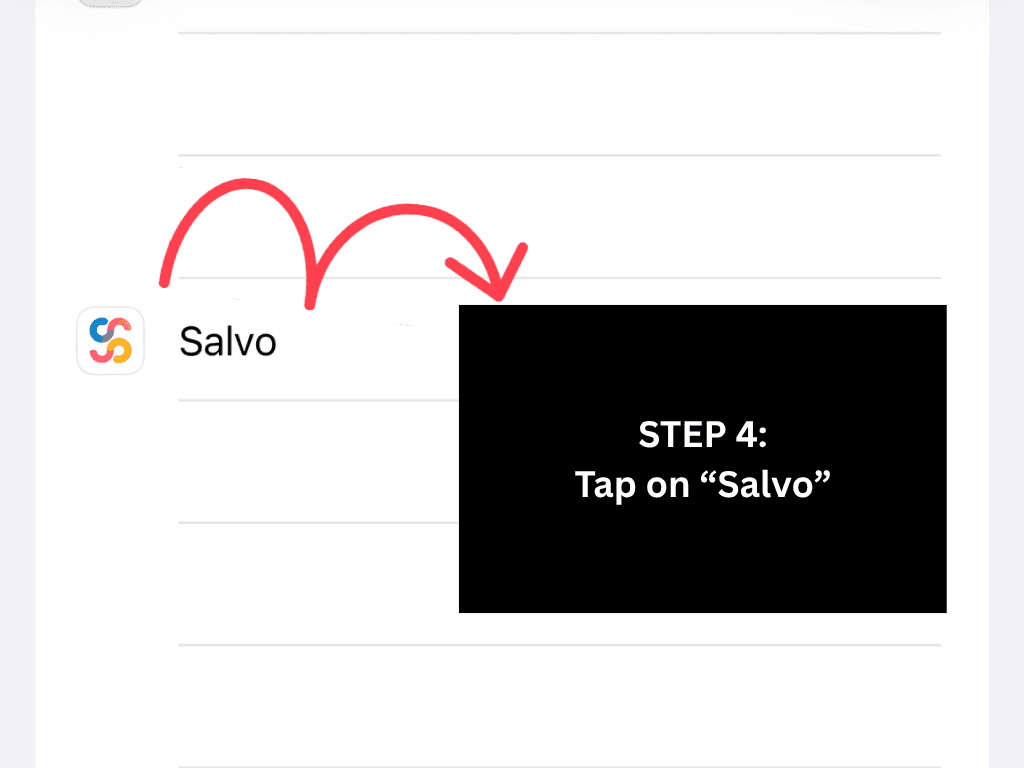
Choose Salvo from the list. We’ll receive the video link and start extracting all places mentioned.
Pro tip: If Salvo is not visible, scroll and add it to favourites so it appears faster next time.
Turn your For You page into a city guide
The next time you see an amazing TikTok with recommendations, send it straight to Salvo instead of letting it get buried in your saved folder.
Get the app to start importing